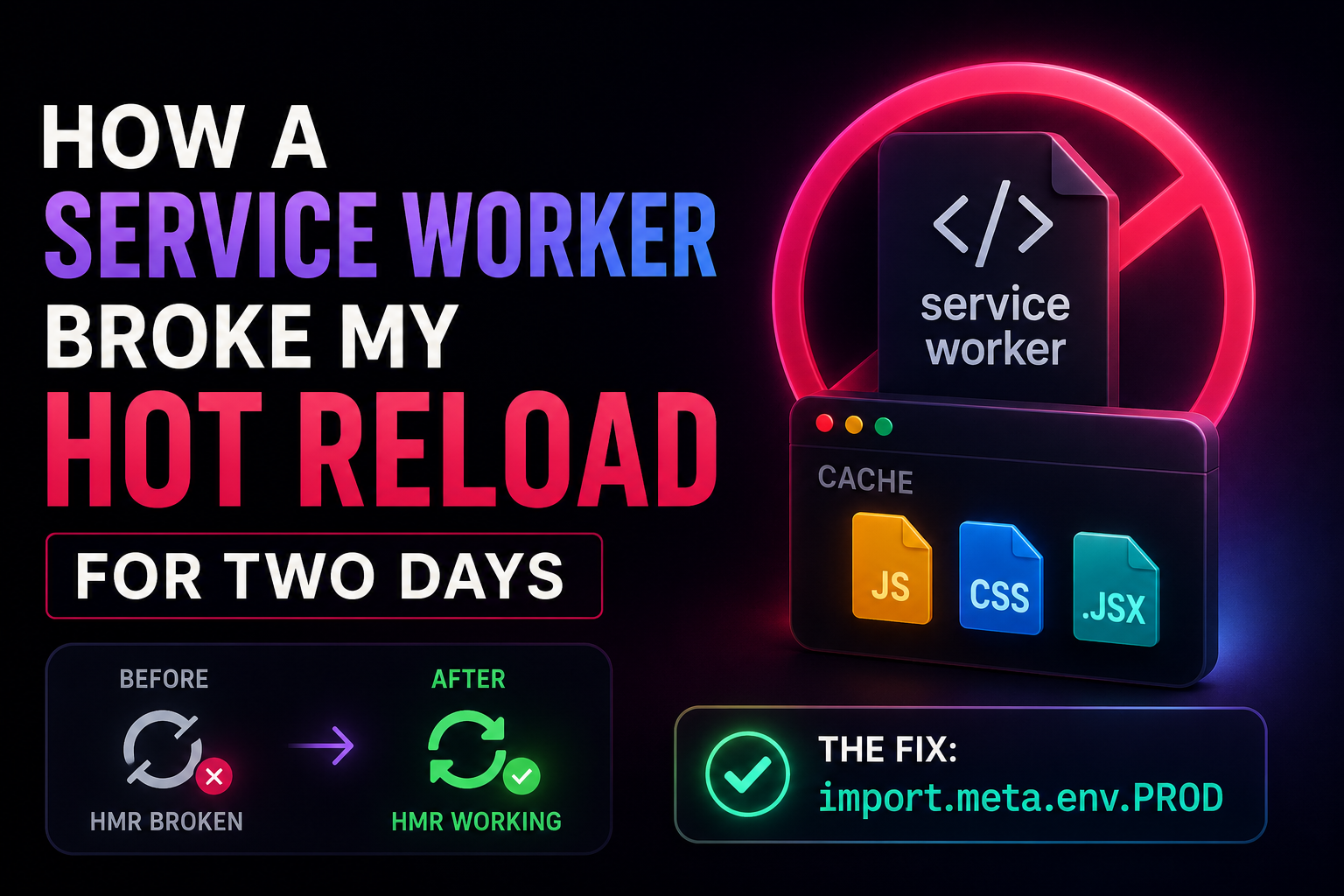
I thought my system or Windows installation was broken because hot reload stopped working completely in my dev environment. After two days of debugging and even reinstalling Windows, I discovered the real issue was a service worker running in development and caching files incorrectly, breaking Vite HMR and WebSocket connections entirely.
The innocent-looking code that caused chaos
At some point in my project, I had this service worker registration:
if ("serviceWorker" in navigator) {
    window.addEventListener("load", () => {
        navigator.serviceWorker
            .register("/sw.js")
            .then((reg) => console.log("SW registered successfully:", reg.scope))
            .catch((err) => console.error("SW registration failed:", err));
    });
}
At first glance, this is completely normal. In fact, it’s standard for Progressive Web Apps.
So I didn’t question it.
But there’s one critical detail here:
This runs in both development and production.
And that’s where everything went wrong.
What actually broke
My service worker wasn’t just sitting idle.
It was actively:
- intercepting network requests
- caching runtime assets
- serving cached JavaScript files
- overriding fresh module requests from the dev server
And that collided directly with how modern dev tooling works.
Why hot reload stopped working
My setup relied on:
- Vite dev server
- ES modules
- Hot Module Replacement (HMR)
- WebSocket connection between browser and dev server
But the service worker changed everything.
Instead of:
“Always fetch the latest file”
The browser started doing:
“Check cache first, even for dev files”
So what happened was:
- I changed code
- Vite sent updated modules
- browser ignored them
- service worker returned cached versions
- hot reload appeared broken
No errors. No warnings. Just silence and confusion.
The two days of confusion
I went through every possible wrong assumption:
- corrupted node_modules ❌
- broken Vite config ❌
- Windows issue ❌
- system-level corruption ❌
- reinstall Windows ❌
Even after reinstalling my OS, the bug was still there.
That was the moment I realized:
The problem is not the system. It’s my code.
The actual fix
The real solution was surprisingly simple.
I needed to ensure the service worker only runs in production:
if (import.meta.env.PROD && "serviceWorker" in navigator) {
    window.addEventListener("load", () => {
        navigator.serviceWorker
            .register("/sw.js")
            .then((reg) => console.log("SW registered successfully:", reg.scope))
            .catch((err) => console.error("SW registration failed:", err));
    });
}
Why this fix works
This single condition changes everything:
Before
- Service worker runs in dev + prod
- Caching interferes with HMR
- Dev server responses get hijacked
After
- Service worker runs only in production
- Dev environment stays clean and uncached
- Hot reload works as intended
The real lesson
This wasn’t a Windows issue.
It wasn’t even a complex bug.
It was a mismatch between two systems:
- Service Workers → aggressive caching layer
- Dev server → always-fresh module system
They are fundamentally incompatible unless you isolate them.
What I learned from this
1. Never let caching logic run in development
If it touches caching, assume it can break your dev workflow.
2. Service workers are powerful—but dangerous
They don’t just “cache files.” They control requests. That’s a big difference.
3. Always separate dev and production behavior
This pattern is critical:
import.meta.env.PRODIf you’re not using it for things like:
- caching
- analytics
- performance optimizations
you’re risking unpredictable behavior in dev.
Final thoughts
This bug cost me two days of frustration and a completely unnecessary OS reinstall.
But it also taught me something valuable:
The hardest bugs aren’t the ones that are complex—they’re the ones that silently behave correctly while breaking everything around them.
And in this case, the fix was just one line:
import.meta.env.PRODSometimes, the smallest conditions save the biggest headaches.